Feature Spotlight
Auto-Documentation Engine
Write SOPs by doing the work, not typing the steps.
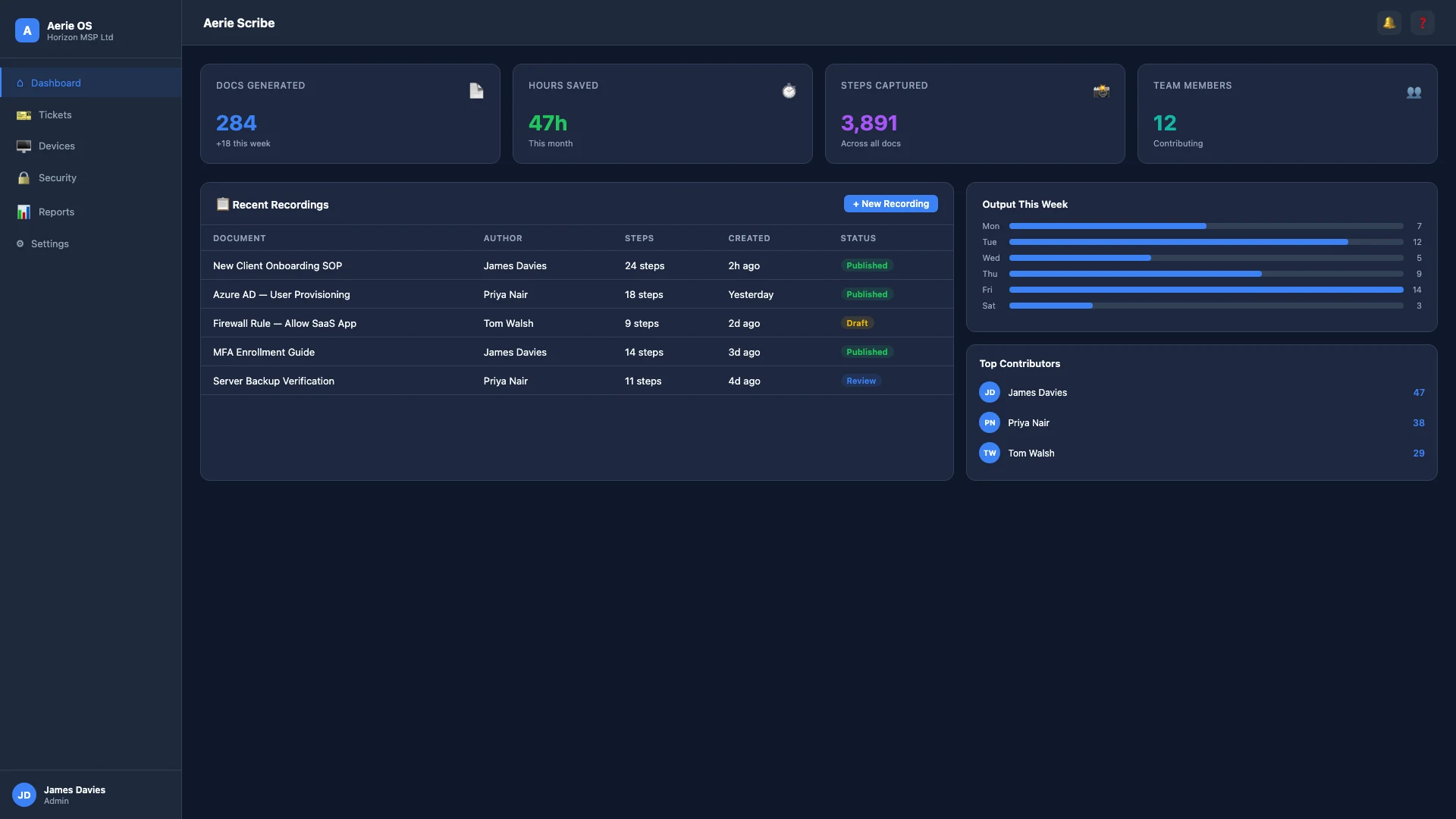
Why MSPs choose Aerie Auto-Documentation Engine
Technicians hate writing documentation because it slows down the resolution process.
Aerie Scribe records your clicks, keystrokes, and screens, automatically converting instructions into formatted articles.
Instant Artifacts
Turn a 5-minute fix into a permanent KB article automatically.
Annotated Screenshots
Auto-highlights the exact buttons clicked during the process.
Redaction
Automatically blur out PII or sensitive passwords from screenshots.
Frequently Asked Questions
Does it work in the browser or desktop?
Both. Scribe captures actions in your browser and via the desktop companion application.
Does it capture sensitive information?
Automatic PII and password redaction ensures sensitive data is blurred out of screenshots before the article is saved.
Can I edit the generated documentation?
Yes. Scribe produces editable markdown articles that you can refine, reorganise, and publish to your Wiki.
Works with
Ready to transform your MSP?
Join Aerie OS and synchronise how you operate as an MSP.
Join the Waitlist